Codecom CCX – Ribbon Fibre Installation
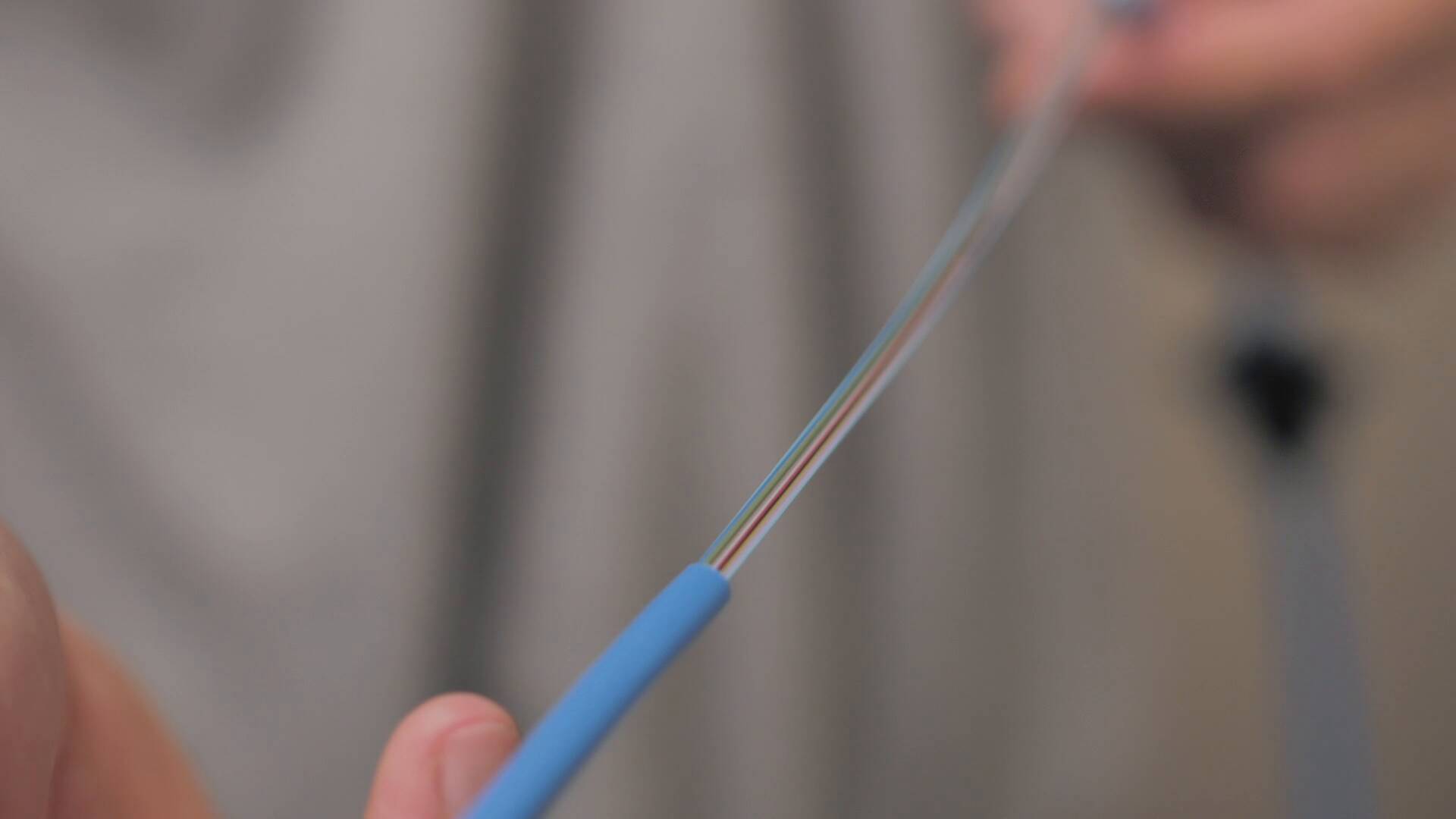
Codecom CCX – Ribbon Fibre Installation Video
This video will demonstrate how to splice into the CCX 24 fibre ribbon splice cassette.
IMPORTANT: It is critical that all parts and fibres are cleaned prior to installation
Stage one:
Route the 24 fiber cable into the rack.
Stage two:
Measure the cable to length for splice.
Stage three:
Open the cassette and un-loom the tails carefully being aware of not breaking the bend radius.
Stage four:
Route the cable into the cable gland.
Stage five:
Strip the cable and measure the tails to length ready for splicing.
Stage six:
Prepare the cable and splice.
Stage seven:
Loom the splice tails back into the cassette being careful not to break the bend radius and routing incorrectly.
Stage eight:
Close the cassette and screw in the five screws.
Stage nine:
Route the cassette into the allocated slot and then route the cables into the above cable management and insert the protective cover.
Related articles
- Video
Codecom Rack Solutions
Codecom have a wide range of products designed for in-rack applications.
FEB 4 2021
- Video

Infrastructure Masons arrives in Australia
Leading industry association Infrastructure Masons launched in Australia last week, with several kick-off events on the Gold Coast.
MAR 23 2020
- Video
Codecom CCX – MPO Cassette Installation
This is a demonstration video of how to install 24 fibre MPO CCX Cassette.
MAY 17 2019